

Yuva Sathi Scheme
If you have applied for the Yuva Sathi Scheme, you may want to check whether your application has been approved or is still under review. The good news is that you can easily check your Yuva Sathi application status online using a few simple steps.
In this guide, we will explain how to check your Yuva Sathi status, what details you need, and what different status messages mean.
What is Yuva Sathi Scheme?
The Yuva Sathi Scheme is a government initiative designed to support young people by providing financial assistance, employment opportunities, and skill development support. The program aims to help youth become financially independent and improve their career prospects.
After submitting your application, you can track its progress through the official portal.
How to Check Yuva Sathi Status Online
Follow these steps to check your Yuva Sathi application status online:
1. Visit the Official Website
First, open the official Yuva Sathi scheme website on your browser.
On the homepage, look for an option like “Application Status” or “Check Status.”
2. Enter Your Application Details
To check your status, you will need to enter some information such as:
- Application or Registration Number
- Registered Mobile Number
- Date of Birth (DOB)
Make sure the details you enter are correct.
3. Click on the Submit Button
After entering all the required details, click on the Submit or Check Status button.
The system will process your request and display the status of your application.
4. View Your Application Status
Once submitted, you will see your current application status on the screen. It may show one of the following:
- Pending – Your application is still under review.
- Approved – Your application has been successfully accepted.
- Rejected – Your application was not approved.
Yuva Sathi Yojana Online Registration
Yuva Sathi Yojana ek government scheme hai jo unemployed youth ko financial support dene ke liye launch ki gayi hai. Is scheme ke under eligible youth ko ₹1,500 per month allowance diya jata hai jab tak unhe job nahi milti ya maximum 5 saal tak.
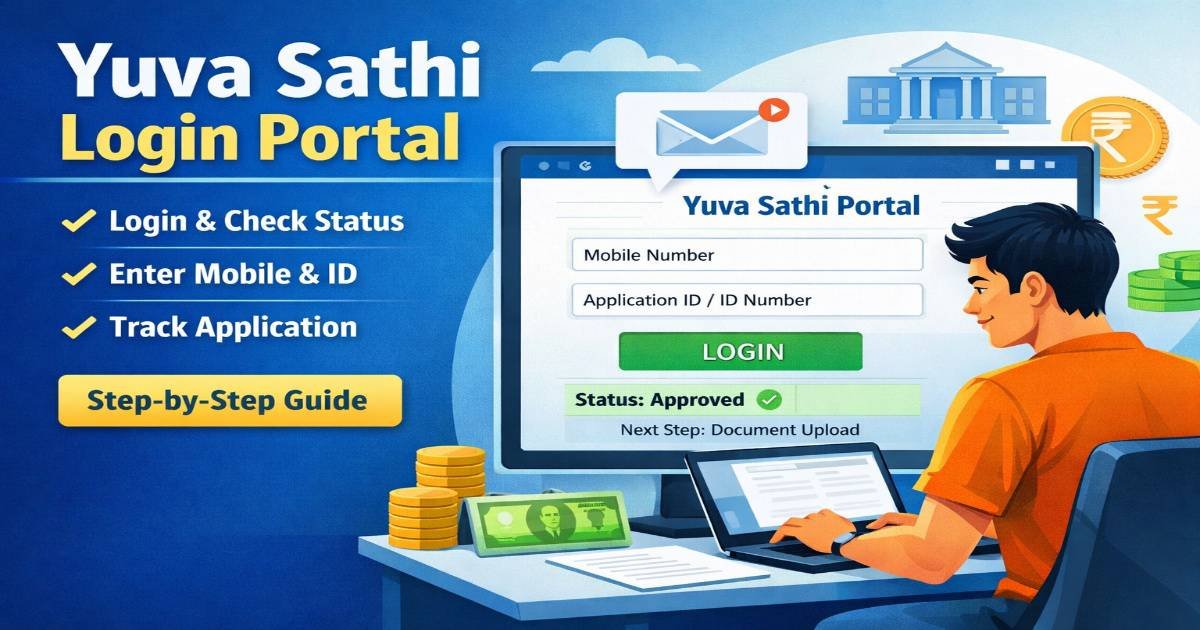
Yuva Sathi login
👉 Official Login Portal:
Yuva Sathi Login Portal
Steps to Login to Yuva Sathi Portal
Follow these simple steps to log in:
Step 1: Visit the Official Portal
Open the official Yuva Sathi website in your browser.
Step 2: Click on Login
On the homepage, find and click the Login / Applicant Login option.
Step 3: Enter Your Details
You may need to enter:
- Registered Mobile Number
- Application ID / Registration Number
- Date of Birth or Password
Step 4: OTP Verification
You may receive an OTP on your registered mobile number. Enter the OTP to verify your account.
Step 5: Access Your Dashboard
After successful login, you can:
- Check application status
- Update personal details
- Download application form
- Track scheme benefits
Banglar yuva sathi website
👉 Official Login Portal:
Yuva Sathi Login Portal
Yuva Sathi app
Official App GOV
Check Yuva Sathi Status via SMS
Sometimes applicants also receive SMS updates on their registered mobile number. If your application status changes, the department may send a notification message.
Make sure your mobile number remains active to receive updates.
Check Status Offline
If you cannot check your status online, you can also visit your nearest:
- CSC Center (Common Service Center)
- Local government office related to the scheme
Provide your application number and the staff will help you check the status.
Common Problems While Checking Status
Sometimes users face issues while checking their status online. Here are a few common problems:
- Entering the wrong registration number
- Website server being slow or busy
- Internet connection problems
If the website is not working, try again after some time.
Conclusion
Checking your Yuva Sathi status is a simple process that can be done online in just a few minutes. By entering your registration number, mobile number, and date of birth, you can easily track the progress of your application. If your status shows pending, do not worry—it simply means your application is still under review.